Supabase monitoring · SPI pillar: operational performance
Supabase monitoring for the apps your customers rely on
When you run SaaS apps on Supabase, the database is where trouble starts — and where it shows last. SaaS Sentinel watches every project around the clock, so you see a slow disk, a failing backup or a burst of errors before your customers do.
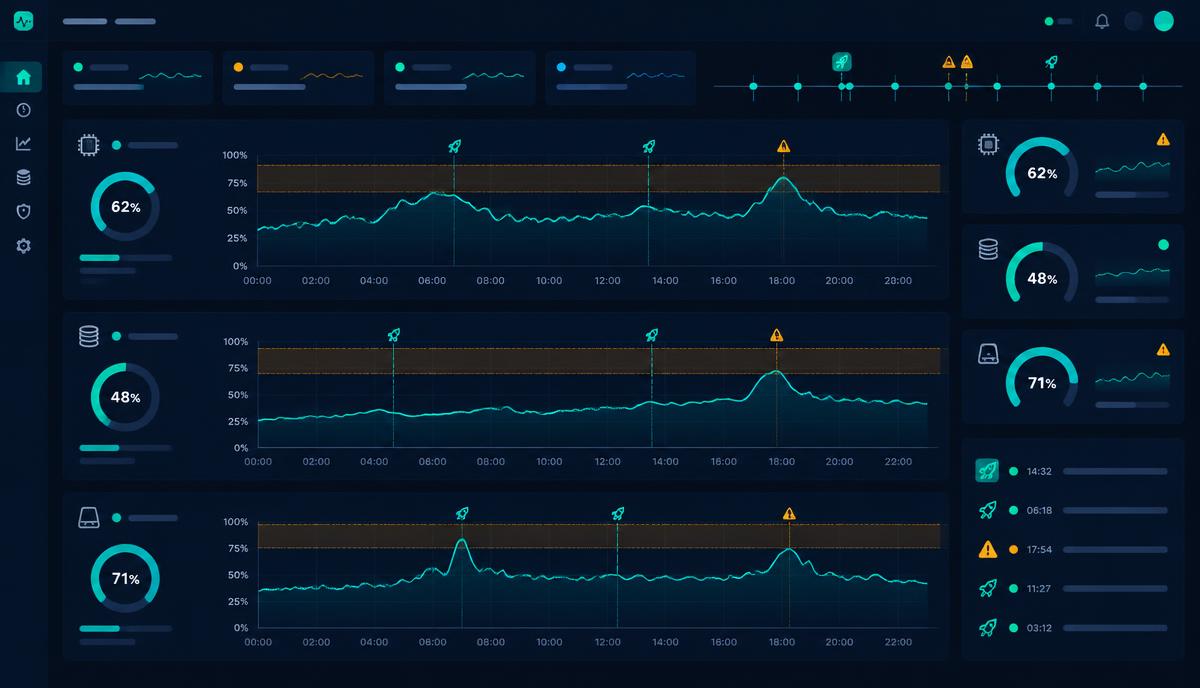
What SaaS Sentinel checks
Health every 15 minutes
CPU, memory, disk and database connections, with warning and critical limits you can see at a glance. History charts show exactly when a release changed things.
Error logs from every source
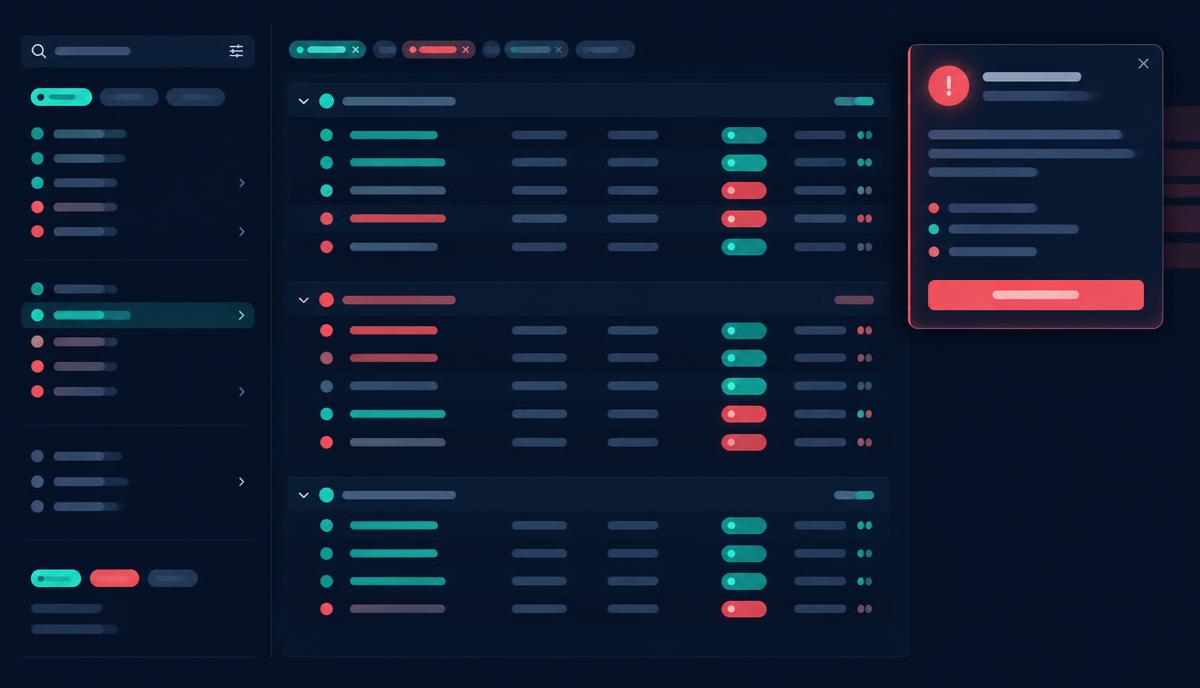
Database, sign-in, edge function, storage, realtime and connection pooler logs are gathered, grouped and searchable — with counts, last-seen times and e-mail addresses masked.
Backups and publishing
Backup health and last publish dates sit side by side, with overdue highlighting and alerts that clear themselves once a newer backup arrives.
Security advisories
New Postgres versions and Supabase security advisories are surfaced per project, and you can accept a known risk with a reason and review date instead of being warned forever.
Weekly capacity review
Every Sunday each project gets a plain-English verdict: whether a Supabase upgrade is needed now, soon or not, which size to move to and the approximate monthly cost difference.
Alerts that stay honest
Alerts clear themselves once things recover, and acknowledged log errors don't put a project back into warning unless a genuinely new error appears.
Honest about the limits
Apps hosted on Lovable Cloud don't share CPU, memory or disk figures with outside tools on the Pro plan, so SaaS Sentinel marks those checks for a look in the Lovable console instead of guessing. Lovable's own server logs aren't available through any API either — for those apps, the website availability check is what spots problems. Everything Supabase does share is checked and recorded.
Health and cost in one place
The same dashboard turns each app's running costs — database, hosting, AI, email and build credits — into cost per licence, break-even and profit margin per customer, so a Supabase upgrade recommendation comes with its monthly price tag already attached. More about spend management.
Questions
- What does SaaS Sentinel check on a Supabase project?
- Every 15 minutes it records CPU, memory, disk and connection usage, reads error logs from every Supabase log source, and tracks backup health, Postgres version and security advisories. A weekly capacity review looks at the past seven days and says whether an upgrade is worth considering.
- How often does Supabase monitoring run?
- Health and log checks run every 15 minutes, around the clock. Dependency vulnerability checks, publish dates and exchange rates refresh daily, and the capacity review runs weekly.
- What alerts will I get?
- Warnings and critical alerts for unhealthy readings, errors found in logs, overdue backups and capacity concerns. Alerts clear automatically when the problem goes away, and acknowledging an alert keeps it quiet unless something new happens.
- What are the limitations?
- For apps hosted on Lovable Cloud, Lovable doesn't share CPU, memory or disk figures with outside tools on the Pro plan, so those checks are marked as needing a look in the Lovable console. Lovable's own server logs aren't available through any API either — for those apps the website check is what spots problems.